

That gut-wrenching moment your iPad hits the floor is usually followed by one pressing question: how much is this going to cost me? When it comes to iPad screen repairs in Australia, the price can be anywhere from $100 for an older model with a simple crack, all the way up to $650 or more for the latest iPad Pro.
It all depends on your specific model and just how bad the damage is.
A Realistic Look at iPad Screen Repair Costs
So, your screen is shattered. Before you panic, let's break down what you can realistically expect to pay. The cost for an iPad screen repair isn't one-size-fits-all; it’s a spectrum that depends on a few key things. Getting a handle on these factors will help you budget properly and avoid any nasty surprises down the line.
The first step is figuring out which iPad you actually have. Just like parts for different car models, not all iPad screens are built or priced the same. A straightforward glass replacement on an older, standard iPad will be much kinder to your wallet than a full screen replacement on a high-end iPad Pro with its fancy display tech.
Estimated iPad Screen Repair Costs in Australia by Model
To give you a clearer idea of the potential costs, we've put together a quick guide based on common iPad models here in Australia. Think of this as a starting point for what you might expect to pay.
| iPad Model | Estimated Repair Cost (Minor Damage) | Estimated Repair Cost (Full Screen Replacement) |
|---|---|---|
| Standard iPad (e.g., 7th-9th Gen) | $120 – $200 | $150 – $350 |
| iPad Air (e.g., 4th-5th Gen) | $250 – $350 | $300 – $500 |
| iPad Pro 11-inch | $350 – $450 | $400 – $600 |
| iPad Pro 12.9-inch | $450 – $550 | $500 – $650+ |
Of course, these numbers are a general guide. For a deeper dive into what makes some models easier (and cheaper) to fix than others, it’s worth looking at an iPad's durability, repairability, and overall price, which really puts the repair costs into perspective.
A standard iPad 9th Generation, for instance, typically costs between $150 and $350 for a full replacement. But if you’ve got a newer iPad Pro 11-inch, you’re likely looking at something in the $400 to $600 range. For the top-tier 12.9-inch Pro models, the price can easily climb between $500 and $650.
Later on, we’ll explore exactly why these prices vary so much.
What Really Determines Your Final Repair Bill?
Trying to pin down the final cost for an iPad screen repair can feel like hitting a moving target. You might get one quote for under $200 and another that sails past $600. So, what gives? It all comes down to a few key factors, and the biggest one by far is the exact model of your iPad.
Think of it like getting a car's windscreen fixed. Replacing the glass on a standard family car is a pretty straightforward job with a predictable price. But if you need to replace the specialised, sensor-packed windscreen on a high-end European model? That's a whole different story, and your wallet will definitely feel the difference.
It’s the same deal with iPads. A standard, entry-level iPad has a much simpler screen setup, which makes it less expensive to replace. An iPad Pro, on the other hand, boasts a stunning Liquid Retina XDR display. This isn't just a piece of glass; it's a complex, laminated unit where the glass, touch sensor, and LCD are all fused together. This tech gives you incredible visuals, but it also means a small crack often forces a replacement of the entire, very pricey, assembly.
This chart gives you a quick visual on how the model directly impacts what you can expect to pay.
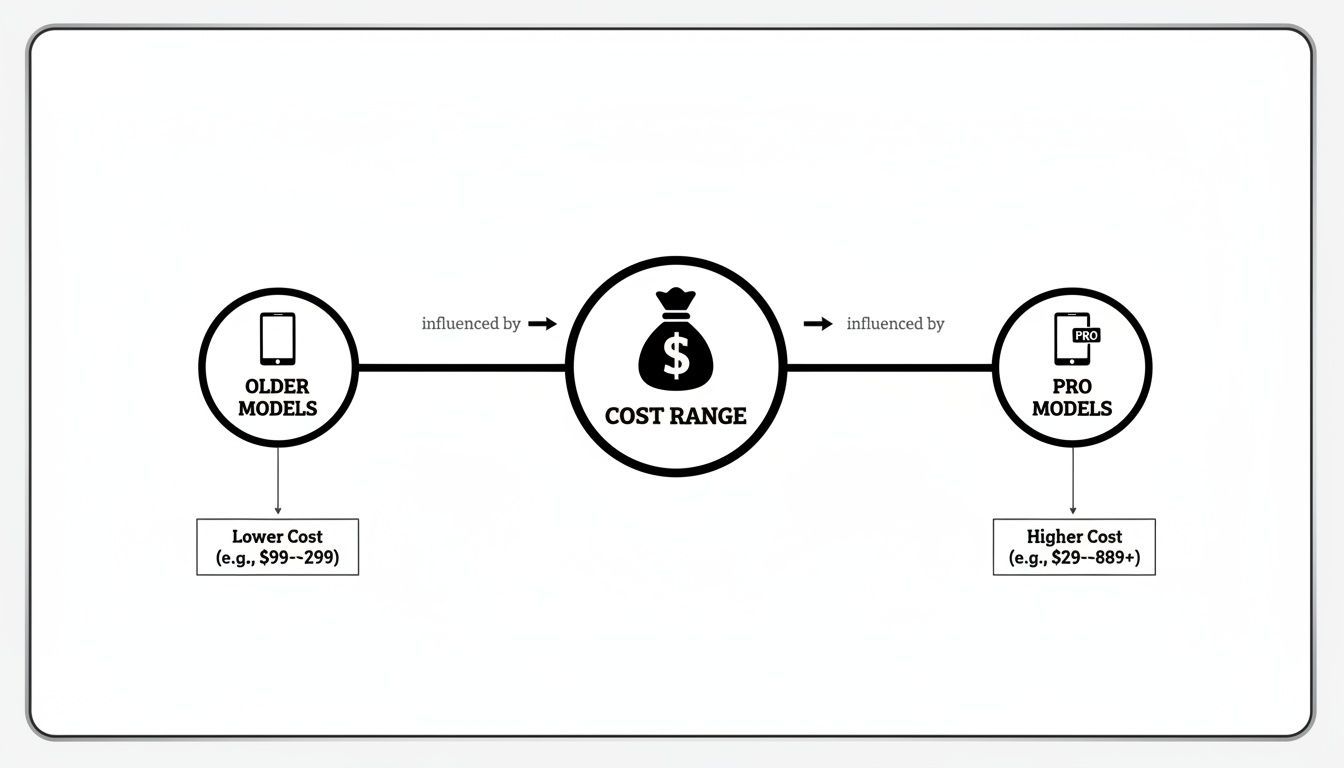
As you can see, the more advanced your iPad is, the more you're likely to pay for a repair. It's a simple reflection of how complex and costly the parts are.
Beyond Just the Glass
The kind of damage you're dealing with is the next major piece of the pricing puzzle. A simple hairline crack on the surface glass is one thing. But if the screen underneath is showing black splotches, vertical lines, or isn't responding to your touch, the job gets a lot more involved—and expensive.
- Glass-Only Damage: This is the cheapest fix, but it's really only an option for older, non-laminated iPad models where the glass and the display are two separate components.
- Full Display Assembly Replacement: This is the standard procedure for most modern iPads, especially the Air and Pro models. It’s also necessary for any device where the underlying LCD or touch functionality is on the fritz.
The quality of the replacement parts also plays a huge role. You’ll usually have two main options: genuine Apple parts or high-quality third-party alternatives. Genuine parts guarantee original performance and quality, but they come with a premium price tag. Good aftermarket screens can be a great alternative, offering excellent performance for less cash and giving you a more budget-friendly path forward without a major drop in quality.
Hidden Costs That Can Surprise You
Sometimes, the price you're first quoted isn't the final price. Once a technician gets the device open, they might find other issues lurking beneath the surface, especially after a hard drop.
A bent or dented aluminium frame is a classic example. If the chassis isn't perfectly straight, a new screen will never sit properly. It’ll be under constant tension and incredibly likely to crack again from the slightest bit of pressure. Straightening the frame is a crucial extra step that adds to the labour costs.
On top of that, the impact could have damaged other internal components. A really nasty fall might damage the tiny, delicate connectors on the main circuit board. These sorts of problems require a specialised skill set to fix properly. You can get a better sense of how complex these jobs are by reading our guide on electronic board repairs in Marangaroo.
This is particularly true for the top-tier iPads. For example, local repair costs for an iPad Pro screen can swing from AUD 200 to AUD 500, depending on the specific model and the extent of the damage. The newest Pro models often fall into that AUD 300 to AUD 500 range simply because of their advanced screen tech and the precision required to install it correctly.
Choosing Between Official Apple Service and Local Repair Shops
So, your iPad screen is cracked. Now what? You’ve basically got two paths you can take: go straight back to the source and use Apple's official service, or check out a local, independent repair shop. Each option has its own set of pros and cons, and figuring out which is right for you really comes down to what you value most—cost, speed, or peace of mind.

Heading to an Apple Store feels like the safest choice, and for good reason. You know you’re getting genuine Apple parts fitted by technicians who are trained to their incredibly high standards. But here’s where things get a bit surprising, especially if your iPad is out of warranty.
In Australia, Apple’s policy for a broken screen isn't usually to fix the screen. Instead, they often replace the entire iPad with a new or refurbished one. While this guarantees a flawless outcome, it comes with a hefty price tag. You’re typically looking at a bill that’s around 60% of what you originally paid for the device. It’s a steep cost for a single crack, as many have discovered in discussions within the Apple community.
The Local Repair Shop Advantage
This is exactly where your local independent repair shop becomes a game-changer. The most obvious benefit? The much lower ipad screen repairs cost. Local techs can perform surgery, replacing only the broken screen assembly instead of the whole unit, which makes the repair significantly more affordable.
Speed is the other big win. Sending your device to Apple can leave you without it for days, sometimes even a week. A good local shop can often offer same-day service, which is a lifesaver if you depend on your iPad for work, study, or just staying connected. They focus on targeted fixes, like the reliable LCD screen replacement services in Hamersley, getting the job done quickly and efficiently.
Of course, it's not without its own considerations. Part quality can differ between shops—some use high-quality aftermarket screens, while others might use salvaged original parts. The key is to ask questions. Find out what parts they use and, just as importantly, what kind of warranty they offer on their work.
A reputable local shop will be transparent about their parts and confident enough to back their repairs with a solid warranty, giving you assurance that the fix is built to last.
A Head-to-Head Comparison
To help you decide, let's put the two options side-by-side. Seeing the key differences laid out like this can make it much clearer which path aligns with your priorities.
Comparing Apple vs Independent iPad Repair Services
| Feature | Official Apple Service | Independent Repair Shop |
|---|---|---|
| Cost | High (often a full device replacement fee) | Lower (component-level repair is cheaper) |
| Turnaround Time | Slower (often several days to a week) | Faster (same-day service is common) |
| Parts Used | Guaranteed genuine Apple parts | Varies (aftermarket or salvaged parts) |
| Warranty | Backed by Apple’s official warranty | Shop-specific warranty on the repair |
| Convenience | Fewer locations, may require mailing | More local options, walk-in service |
Ultimately, there’s no single "right" answer—it’s about what’s right for you. If you absolutely must have original Apple parts, and the higher cost and longer wait time aren't deal-breakers, then the official route is your best bet.
But if you’re after a fast, affordable fix from a trusted local expert who stands by their work, an independent shop is often the most practical and sensible choice.
Should You Risk a DIY Screen Replacement?
When you’re staring at a hefty repair quote, the urge to jump online and find a cheap DIY screen replacement kit is strong. We get it. Those kits often advertise prices that are a tiny fraction of a professional iPad screen repairs cost, making it seem like the perfect way to save some cash.
But hold on before you click "buy". It's really important to know what you're signing up for.
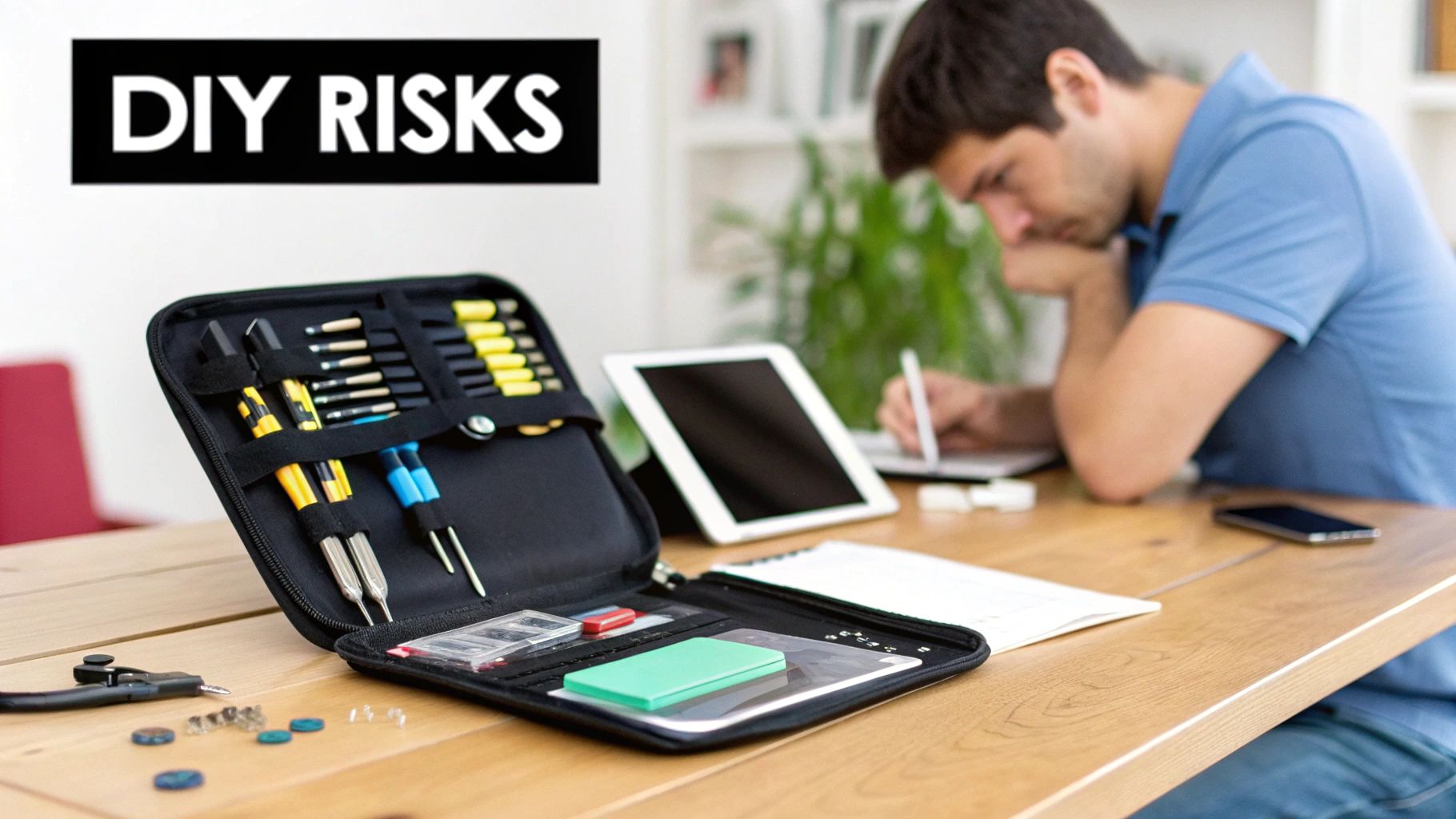
Modern iPads are marvels of engineering, but they absolutely are not built for easy home repairs. These things are sealed tight with powerful adhesives, and prying one open without specialised tools—and more importantly, a ton of experience—is a massive gamble. What you think is a straightforward screen swap can spiral into a much bigger, more expensive disaster in a heartbeat.
The Hidden Dangers of DIY Repairs
The potential for things to go wrong during a DIY iPad repair is incredibly high. Inside, you'll find a delicate web of tiny, fragile components that are ridiculously easy to damage if you don't know exactly what you’re doing.
Here are just a few of the most common DIY mishaps we see that turn a "cheap fix" into a very costly mistake:
- Torn Ribbon Cables: These are the paper-thin, flexible connectors for the display, cameras, and buttons. One tiny slip of a tool can tear them, resulting in a blank screen, a dead camera, or a useless home button.
- Damaged Logic Board: If you use too much force or accidentally nudge the wrong spot with a metal tool, you can short-circuit the logic board. That's the iPad's brain, and damaging it can brick the entire device for good.
- Disabled Biometrics: This is a big one. The Face ID and Touch ID sensors are uniquely paired to your iPad's logic board in the factory. If you damage the delicate cables connecting them, those security features will be permanently disabled. There is no way to fix this—not even Apple can do it.
Attempting a DIY repair is like performing surgery with a kitchen knife instead of a scalpel. You might save a few dollars on the tool, but the risk of causing irreversible damage is enormous, potentially costing you far more in the long run than a professional service ever would.
Why Professional Repair Is the Smarter Choice
At the end of the day, the few dollars you save on a DIY kit often vanish the second something goes wrong. A single slip-up can easily double or triple your final bill, as you’ll have to bring your now even more broken device to a professional to fix the original crack and the new problem you just created.
When you weigh up the high risk of permanently killing features like Face ID or frying the logic board, the upfront cost of a professional repair starts to look a lot more reasonable. You're not just paying for a new screen; you're investing in expertise, the right tools, and the peace of mind that comes with a warranty. It ensures your iPad is restored correctly and safely, preserving its function and its value.
How to Find a Trustworthy Local Repair Service
Choosing a local repair shop can definitely bring down your iPad screen repairs cost, but picking the right one is everything. Let's be honest, not all technicians are created equal. Finding a service you can trust means looking past the cheapest price tag and finding a team that delivers quality parts, skilled work, and a bit of peace of mind.
So, where do you start? The first port of call is usually their reputation. In this day and age, online reviews are a massive clue to how a business operates. Check out their Google or Yelp profiles and look for a solid history of positive feedback. Every business gets a bad review now and then, but a constant stream of complaints about shoddy repairs or terrible service is a huge red flag. For a bit more insight into this, you can read up on building trust through online reviews.
Key Hallmarks of a Reputable Repair Shop
Once you've got a couple of options, it's time to look a little closer. A genuinely professional repair service will always have a few things in common.
- Transparent Pricing: They should give you a clear, itemised quote right from the start. If a shop is vague about the cost or won't give you a firm price, walk away.
- Solid Warranty: Any good technician will stand behind their work. Ask them straight up about their warranty. Anything from 90 days to a full year on parts and labour shows they're confident in the job they do.
- Quality Parts: Don't be shy about asking what kind of screen they'll be using. A good technician will have no problem explaining whether they use top-tier aftermarket parts or salvaged original components and what the pros and cons are.
A trustworthy repair shop isn't afraid of questions. They should be happy to walk you through their process, the parts they're using, and the warranty they offer. You should feel completely comfortable before you hand over your iPad.
Crucial Questions to Ask Before Your Repair
Before you give them the green light, make sure you ask a few specific questions. Their answers will tell you a lot about the service you're about to receive and help you manage the final iPad screen repairs cost.
- What’s the estimated turnaround time? It’s good to know if you'll be without your iPad for a few hours or a few days.
- Does the quote include both parts and labour? This simple question avoids nasty surprises when it's time to pay the bill.
- What happens if you find another problem during the repair? A professional outfit will always call you for approval before doing any extra work that will add to the cost.
Finding a reliable local technician isn’t about luck; it’s about doing a little bit of homework. By checking them out and asking the right questions, you can feel confident your iPad is in good hands. If you’re searching for a trusted expert in Perth, you can get more information on finding a tablet screen repair near me right here.
Right then, you know what the damage might cost, but how can you actually knock that final price down? A few savvy moves can make a real difference to your wallet and take some of the sting out of the repair process.
First things first: check your warranty. Did you get AppleCare+ when you first bought your iPad? If you did, breathe a sigh of relief. This is your golden ticket, slashing the cost of accidental damage from a potential nightmare to a simple, much lower service fee. Honestly, it's the biggest money-saver out there.
A Bit of Prevention and Smart Quoting
It's a cliché for a reason: the cheapest repair is the one you don't need. Keeping your repair budget at a lovely $0 is all about being proactive.
- Get a Good Case: I'm not talking about a flimsy cover. A solid case with proper corner protection is your best friend against gravity.
- Use a Screen Protector: A quality tempered glass protector is designed to take the hit, shattering itself so your actual, very expensive screen doesn't have to.
Now, if the damage is already done, don't just walk into the first shop you find and hand over your iPad. Treat this like any other significant purchase and do a bit of homework.
Spend ten minutes calling two or three reputable repair shops in Perth. You'll often find a surprising difference in quotes for the exact same repair, which instantly tells you if you're being offered a fair price.
Knowing When to Repair and When to Replace
Finally, you need to look at the big picture, especially if you're dealing with an older iPad model. It's time to ask the hard question: does this repair actually make financial sense?
Here's a simple rule of thumb I always suggest. If the repair quote is creeping up to 50% or more of what you could sell the iPad for second-hand, it's time to hit the brakes. In that scenario, your money might be better spent on a newer or refurbished model. A quick look on Gumtree or Facebook Marketplace will show you what your iPad is worth today, helping you make a smart call instead of pouring good money into old tech.
Your iPad Screen Repair Questions, Answered
Even after breaking down the costs, you probably still have a few questions swirling around. That’s completely normal. We’ve put together answers to some of the most common things we get asked by iPad owners right here in Perth, helping you get the full picture.
Will a Third-Party Repair Void My Apple Warranty?
Straight talk? Yes, it most likely will. If your iPad is still under Apple’s manufacturer warranty, getting it fixed by anyone other than an authorised service provider will usually void that coverage.
But let's be realistic—most people are looking for repairs after that warranty has already expired. In that case, you have nothing to lose. Any trustworthy independent shop will stand by their work and provide their own warranty on the new screen and the labour involved.
Can a Small Crack on My iPad Screen Get Worse?
You bet it can. That little crack is a weak spot, and it’s a lot more fragile than you think. Everyday bumps, pressure in your bag, or even a sudden change in temperature can cause it to spread into a full-blown spiderweb across the screen.
Think of that crack as an open door. It's an invitation for dust and moisture to sneak inside and wreak havoc on the sensitive electronics underneath, like the display panel itself. What starts as a simple screen replacement can quickly turn into a much bigger, and more expensive, headache.
Is It Actually Worth Fixing an Older iPad?
This is the big question, and it really boils down to a bit of simple maths. For iPads that have been around the block a few times, the ipad screen repairs cost can sometimes be more than what the device is even worth today.
Here's what to do: get a firm quote for the repair first. Then, jump online and see what a similar second-hand or refurbished model is selling for. If the repair is going to cost you 50% or more of the iPad's current value, it might be time to think about putting that money towards a newer device instead.
How Long Does an iPad Screen Repair Usually Take?
The time it takes can vary wildly. If you go directly through Apple, you’ll often need to send your device away. This process can take anywhere from a few days to a week, sometimes longer.
This is where local repair shops really shine. Most of us pride ourselves on getting you back up and running as quickly as possible. We can often offer same-day service, and if we have the part in stock and the schedule allows, some repairs can be done and dusted in just a couple of hours.
Ready to get that screen sorted by a local team you can trust? CTF Mobile Phones & Computer Repairs in Perth delivers fast, reliable, and affordable iPad screen replacements, all backed by our own solid warranty. Get a free, no-obligation quote online today!