

Fast wireless charging is all about getting your device powered up in a fraction of the time compared to standard wireless charging. The secret is simply more power. Your basic wireless charger trickles power at a slow 5W, but fast charging kicks things into high gear, starting at 10W and often going up to 15W or more. It’s the difference between plugging in overnight versus a quick power-up before you head out the door.
How Does Fast Wireless Charging Actually Work?
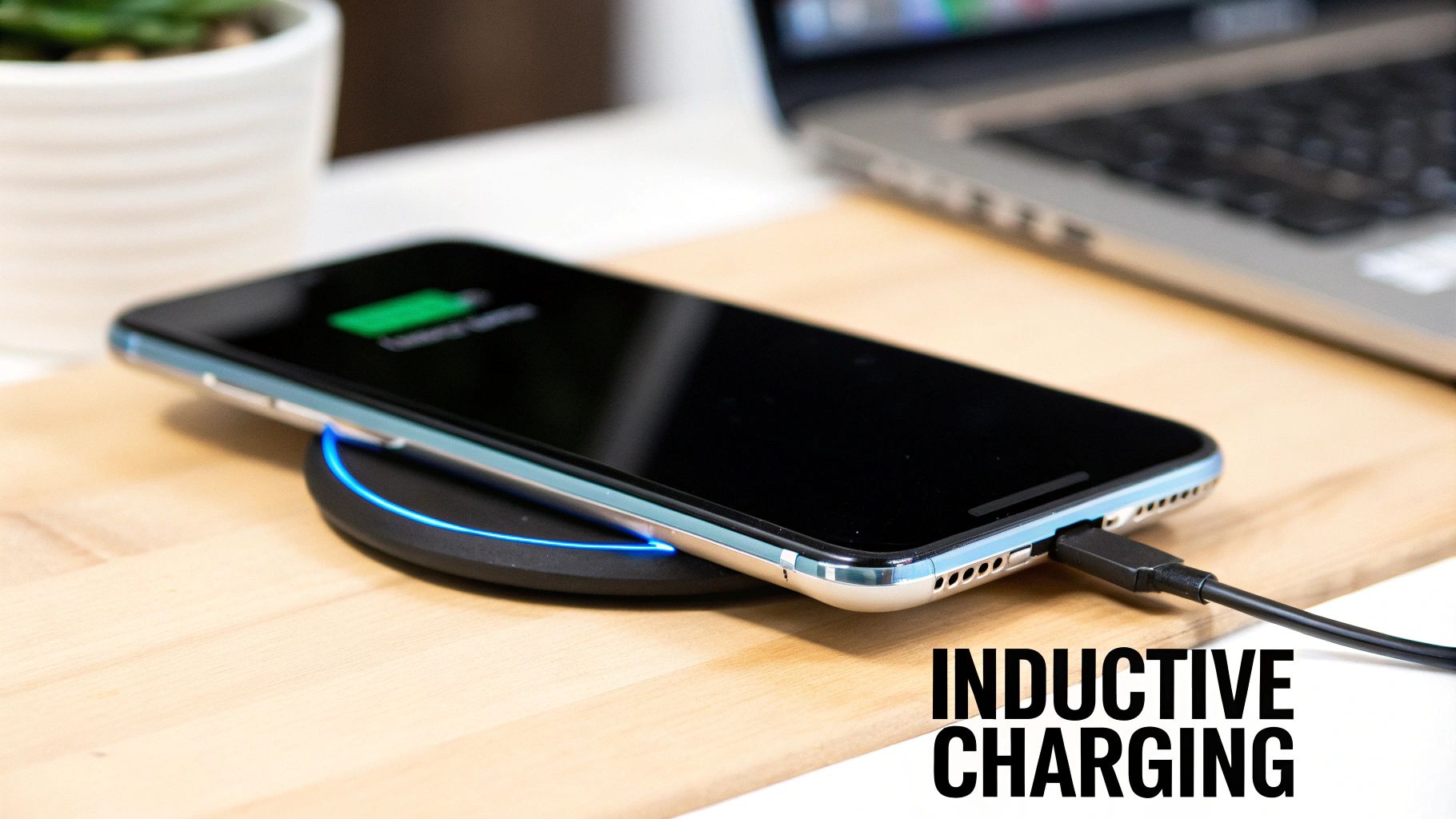
Wireless charging might seem like a bit of magic, but it's based on a pretty straightforward bit of science known as inductive charging. Picture two copper coils: one in your charging pad and another inside your phone. When you pop your phone onto the pad, the charger creates a magnetic field. This field then generates an electrical current in your phone’s coil, which charges the battery. No fiddly cables needed.
The whole system works because of a universal standard called Qi (pronounced "chee"), which is managed by the Wireless Power Consortium. The Qi standard is what lets a Samsung phone, an iPhone, and a Google Pixel all use the same charging pad. As long as your gear is Qi-certified, you know it’ll work safely and effectively.
The Difference Between Standard and Fast Speeds
What really separates a slow charge from a rapid one is the wattage. A standard Qi charger offers a baseline of 5 watts (5W). It gets the job done, but it’s not winning any races, especially if you’re in a hurry.
A fast wireless charging setup, on the other hand, delivers 10W, 15W, or even higher. Think of it like filling a bucket with water: 5W is a slow drip from a tap, while 15W is like opening the tap all the way. More wattage means a faster flow of energy, getting your battery full much, much quicker.
To help you see the difference at a glance, here’s a quick comparison.
Standard vs Fast Wireless Charging at a Glance
| Feature | Standard Wireless Charging | Fast Wireless Charging |
|---|---|---|
| Power Output | Typically 5W | 10W to 15W+ |
| Charging Speed | Slow, best for overnight | Significantly faster, ideal for quick top-ups |
| Typical Use | Bedside tables, desks | Living rooms, offices, cars |
| Device Compatibility | Nearly all Qi-enabled devices | Newer Qi-enabled devices that support it |
As you can see, fast charging is a big step up in performance for those who need power on the go.
This diagram shows just how big the speed gap is between standard 5W Qi charging and the much zippier 15W+ fast charging.
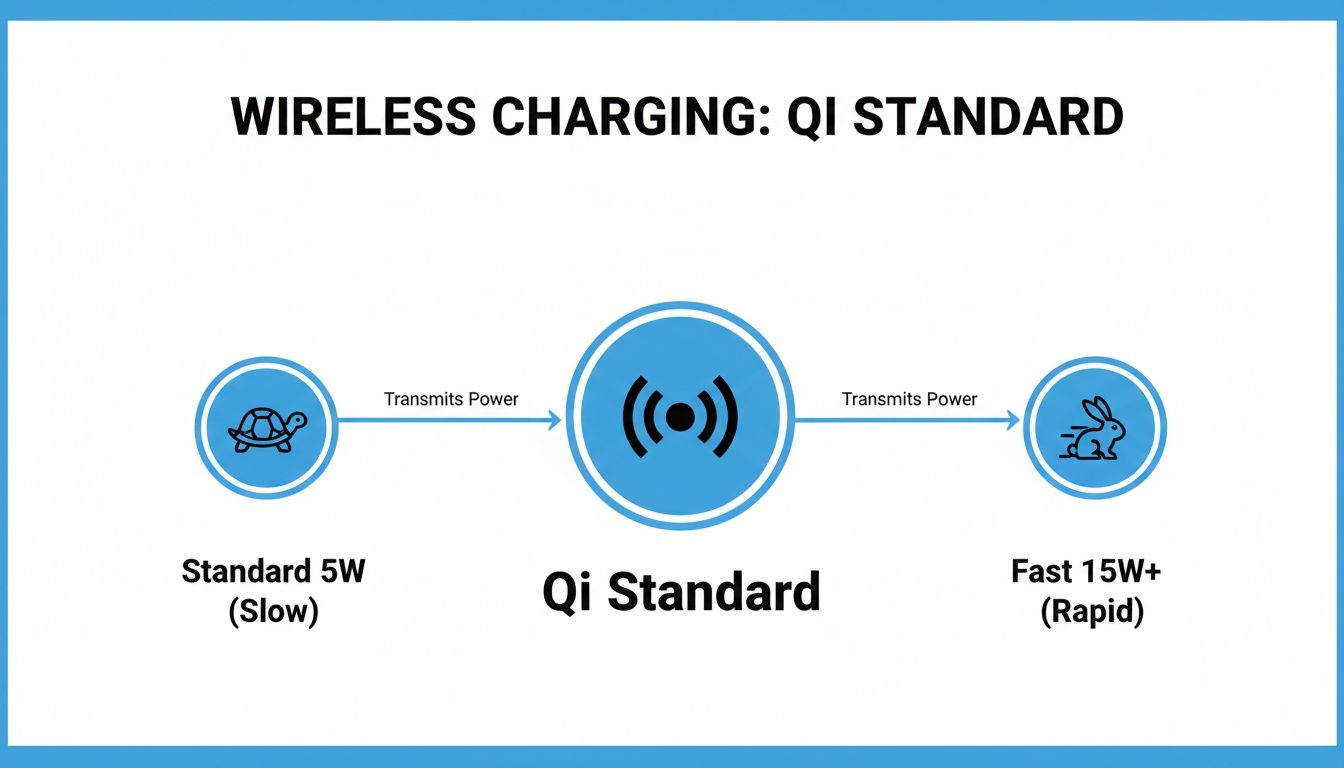
While they both run on the same Qi technology, the boost in wattage gives fast charging a massive advantage.
Why Fast Charging Is Becoming the New Norm
Everyone wants their tech to be faster and more convenient, and charging is no exception. The Australian wireless charger market reflects this, hitting USD 139.6 million in 2024 and projected to skyrocket to USD 521.5 million by 2030. That’s a compound annual growth rate of a blistering 23.9%! You can learn more about Australia's wireless charging market growth and see the trend for yourself.
Here in WA, especially in Perth's northern suburbs, this means more and more people are using devices that support 15W+ Qi fast charging. It’s a great way to reduce wear and tear on USB ports—something we see a lot of for repairs here at CTF. As this technology becomes standard, knowing how to get the most out of it is more important than ever.
Checking Your Gear for Fast Charging Compatibility
Getting those blazing-fast speeds isn't as simple as just buying a new wireless charger off the shelf. Real-world wireless charger fast charging depends on a perfect team-up between your phone, the charging pad, and the wall adapter that plugs into the socket. If one of these parts can't keep up, your charging speed will drop to the level of the slowest component in the chain.
Think of it like a conversation between your phone and the charger. They need to speak the same language to agree on the fastest, safest power level. This "language" is the charging standard they both support.
Aligning Your Charging Standards
While Qi is the most common standard, not all Qi chargers are built the same. For the best speeds, both your phone and charger need to support a more advanced profile, like the Qi Extended Power Profile (EPP). The newer Qi2 standard takes this a step further, guaranteeing a solid 15W charging speed.
Some brands, like Apple, have developed their own proprietary standards to get the best performance. Apple’s MagSafe technology uses magnets to ensure the phone and charger are perfectly aligned, delivering up to 15W. If you place a new iPhone on an old 5W or 7.5W Qi pad, it’ll still charge, but it will be painfully slow.
To make sure you're getting what you paid for, always check the specs on both your device and the charger:
- For iPhones: You'll want to see "MagSafe" or "Qi2" on the box for the fastest 15W speeds.
- For Android Phones: Look for "Qi EPP" or a specific wattage that matches your phone's capability, such as "15W Fast Wireless Charging".
- For Accessories: Don't forget other gadgets. When checking compatibility, you'll want to make sure items like the Pencil Pro Plus Black Ipad Pen With Wireless Charging also align with your setup.
Don't Overlook the Wall Adapter
This is the one that catches almost everyone out. It’s a classic mistake: pairing a powerful new wireless charging pad with an old, underpowered wall adapter. Plugging a 15W fast charging pad into that tiny 5W USB cube that came with a phone five years ago is a surefire way to get sluggish charging. It’s like trying to fill a swimming pool with a garden hose—you just don't have enough flow.
To unlock your fast wireless charger's full potential, the wall adapter must supply enough power. If your wireless pad is rated for 15W, you need a wall adapter that can deliver at least that much—and ideally 20W or more to give it some headroom.
Take a look at the fine print on your wall adapter. The output will be listed in watts (W). If it only says 5W, it's time for an upgrade. A modern 20W USB-C Power Delivery (PD) adapter is the perfect partner for nearly any fast wireless charger available today.
How to Get the Most Out of Your Fast Wireless Charger
Having the right gear is only half the battle. To get those top speeds, you need to set things up correctly. It usually comes down to a few simple tweaks, but they can make a massive difference to your charging experience. If your phone seems to be charging at a snail's pace, one of these common issues is almost always the culprit.
Think of it like trying to tune an old radio. If you’re not perfectly on the station, all you get is static and a weak signal. The same principle applies to the induction coils in your charger and your phone. If they aren't lined up just right, the power transfer is sloppy, which means slower charging and more wasted heat.
Nailing the Placement and Environment
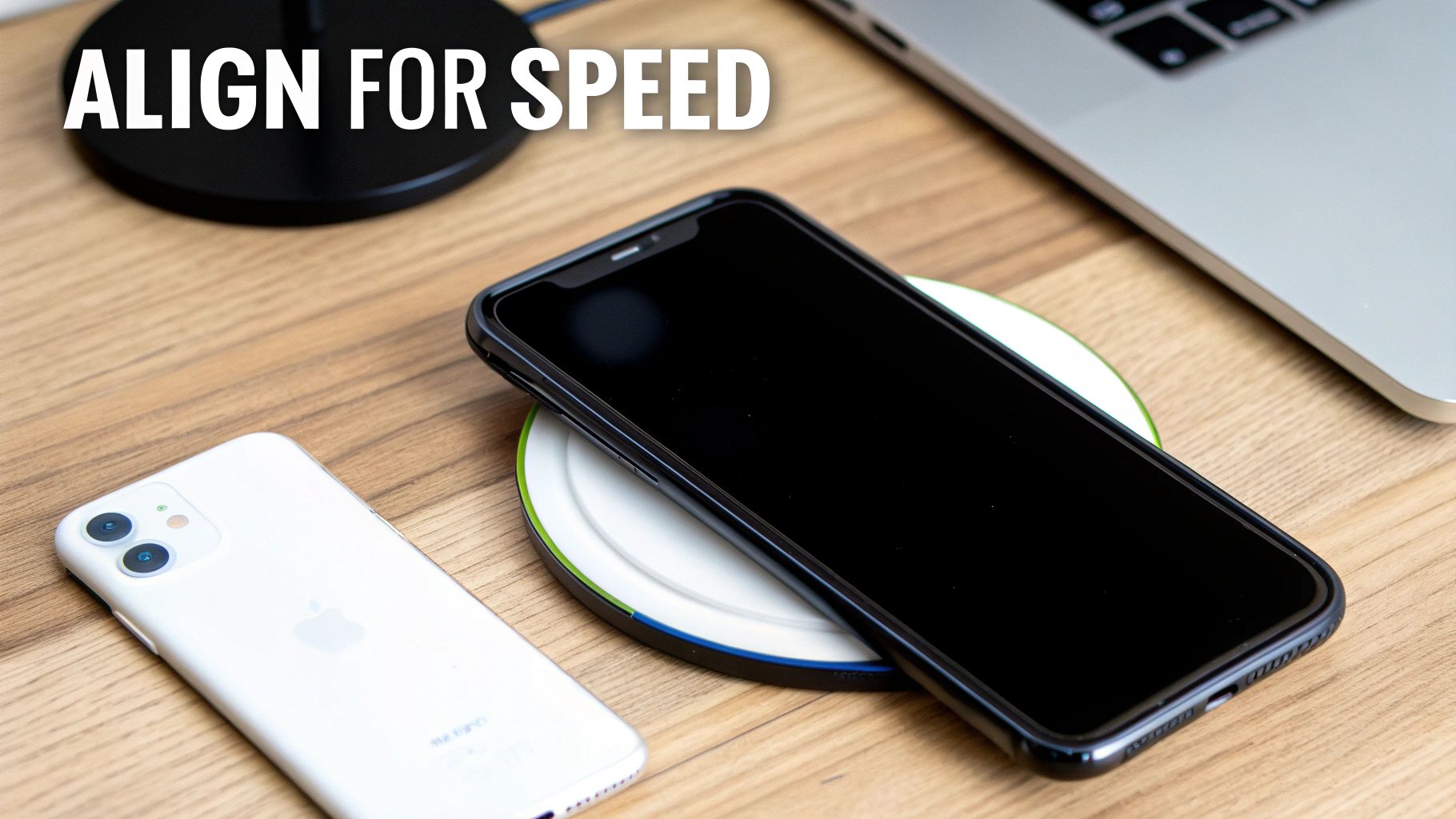
Perfect alignment is the golden rule for fast wireless charging. Always try to place your phone dead centre on the charging pad. This is where the internal coils create the strongest connection, and even being slightly off can slash charging efficiency by 20% or more.
Another common speed-killer is your phone case. Most thin plastic or silicone cases (under 3mm thick) are perfectly fine and won't interfere. But chunky, rugged cases, anything with metal in it, or cases with pop sockets and credit card holders will get in the way. This physical barrier forces the charger and phone to work harder, generating extra heat and slowing the whole process down.
Here’s a quick checklist for getting the best possible charge:
- Centre Your Device: Pop your phone right in the middle of the pad. This is where standards like MagSafe and Qi2 really shine, as their magnets snap everything into perfect alignment for you.
- Ditch the Thick Case: If you have a bulky or metallic case, it’s best to take it off before you charge.
- Keep it Clear: Never leave keys, coins, or other bits of metal on or near the charging pad.
Taming Heat and Background Apps
Your phone is pretty clever. If it starts getting too hot while charging—which can happen with fast charging—it will automatically dial back the power to protect the battery. To help prevent this, try to keep your charger out of direct sunlight and in a spot with decent airflow.
A phone that’s working hard in the background will also charge much slower. If you’re streaming a movie, deep in a gaming session, or have a dozen apps running, the device is using up power almost as fast as the charger can supply it.
For the absolute quickest top-up, it’s best to just let your phone rest. Close down any power-hungry apps and let the screen go to sleep. Getting rid of these common roadblocks is the key to making sure your device gets all the power it can handle, as quickly and safely as possible.
Solving Common Fast Wireless Charging Problems
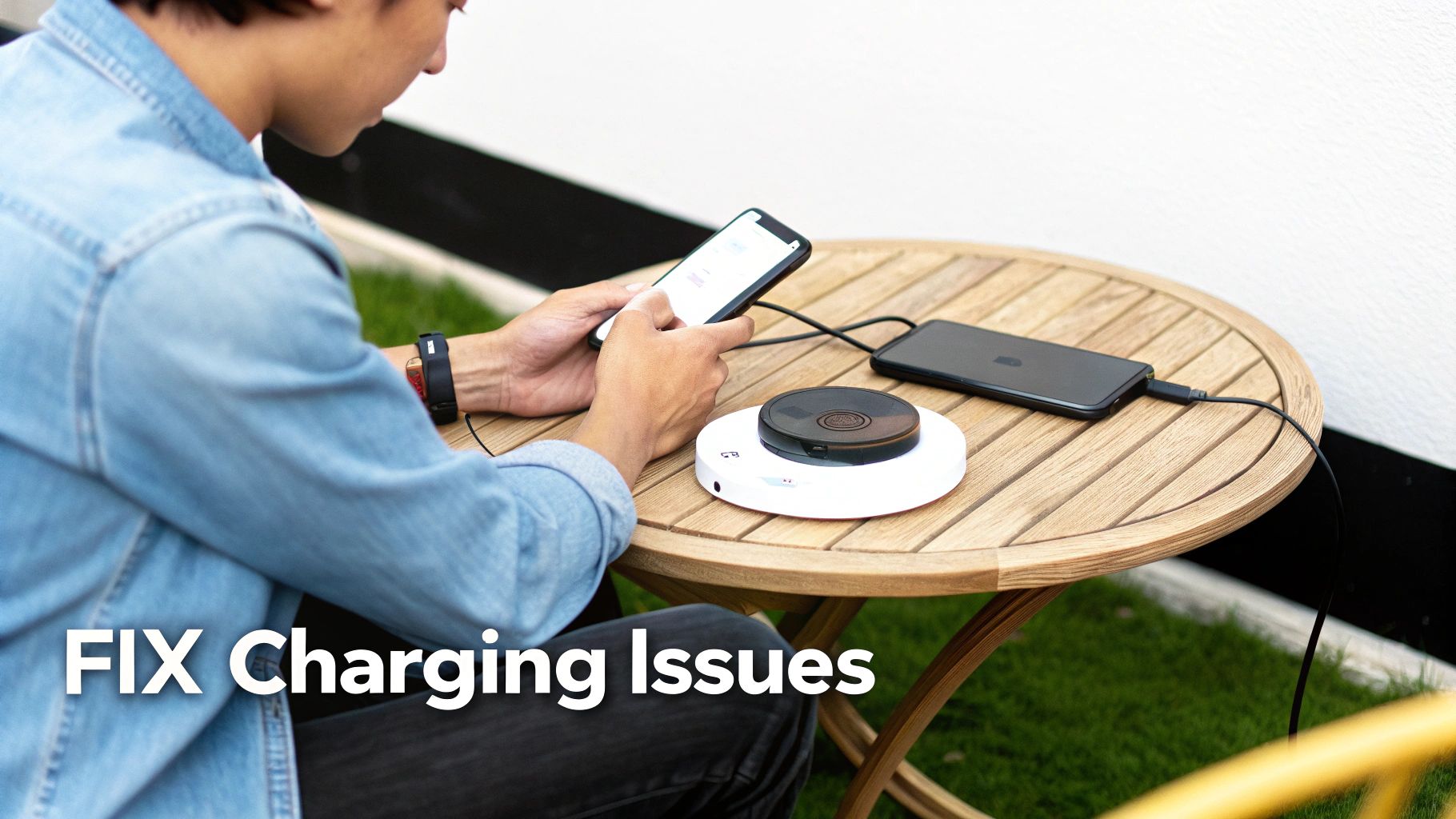
Even with the perfect setup, you might find your wireless charger isn't cooperating. It's frustrating when technology misbehaves, but the good news is that most glitches are surprisingly easy to fix yourself. Let's walk through a few common issues and how to get things working again.
The most frequent complaints we hear are about charging that constantly stops and starts, or speeds that are mysteriously slow despite having all the right gear. In most cases, both problems trace back to a handful of simple culprits.
Diagnosing Your Charging Issues
Before you panic and think your charger or phone is broken, it’s worth running through a few quick checks. This process of elimination helps you pinpoint the real problem by ruling out the most common and easily solved variables.
Step-by-Step Troubleshooting Process:
- Check the Connection: Start at the source. Make sure the wall adapter is firmly in the socket and the USB cable is pushed all the way into both the adapter and the charging pad. A wobbly cable is a classic reason for power drops.
- Reposition Your Phone: Alignment is everything. Lift your phone off the pad and place it back down, aiming for the dead centre. Give it a small nudge until the charging indicator lights up and stays on.
- Remove the Case: Your phone case might just be the culprit. Take it off completely and try charging again. If it suddenly works flawlessly, you’ve found the issue.
- Restart Your Device: You’ve heard it before, but turning it off and on again genuinely works wonders. A simple reboot can clear up software glitches that might be messing with your phone's charging cycle.
Most of the time, one of these four steps will solve your wireless charging headache. If your phone starts charging normally after trying one of them, you've successfully fixed the problem without needing to buy new gear.
If you’ve run through the basics and are still stuck, this table breaks down the most common symptoms and what to try next.
Troubleshooting Common Charging Issues
| Problem | Potential Cause | Solution to Try |
|---|---|---|
| Charging Stops and Starts | Misalignment on the pad or a loose cable connection. | Reposition the phone carefully. Unplug and securely reconnect the wall adapter and USB cable. |
| Charging Is Very Slow | Using a low-wattage wall adapter or a non-certified charger. | Ensure your adapter provides at least 15W–20W. Use a Qi-certified charger from a reputable brand. |
| Phone Gets Extremely Hot | A thick case is trapping heat, or there's a potential hardware fault. | Remove the case. If it still overheats, stop charging and seek a professional diagnosis. |
| No Charging at All | The phone isn't placed correctly, or the charger isn't receiving power. | Re-centre the phone. Try a different power outlet and swap the cable and wall adapter. |
Following these steps should help you isolate the issue. But what if the problem is more serious?
When to Suspect a Deeper Problem
If you've tried all the steps above and your wireless charger fast charging is still unreliable, it could be a sign of a deeper hardware issue. The biggest red flag is excessive heat. It's normal for your phone and charger to get a bit warm, but they should never feel uncomfortably hot to the touch.
Overheating is a serious symptom that shouldn't be ignored. The rapid adoption of fast wireless charging in Australia, a market growing at a 23.0% CAGR, has a downside: the extra heat can degrade batteries 20-25% faster. We see the real-world results of this every day in our Balga workshop, from straightforward battery swaps to more complex repairs.
If your device gets dangerously hot, stops charging completely, or if the issue continues even after trying a different pad and cable, the fault might be with the phone's internal charging coil or a failing battery. This is especially likely if you're also having trouble with wired charging. For stubborn faults, particularly if you need help fixing an iPhone charging port, it’s always best to let a professional find the root cause.
Protecting Your Battery Health with Smart Charging
It’s a common question we hear: does the convenience of wireless charger fast charging cook your phone's battery over time? It's a valid concern. After all, faster charging means more heat, and heat is the number one enemy of lithium-ion batteries.
The good news is that modern smartphones and certified chargers are built to handle this. They have sophisticated safety systems that are constantly talking to each other, monitoring temperatures in real-time. If your phone starts getting a bit too toasty, the charger automatically dials back the power, slowing things down to prevent any damage. It's a clever, built-in safety net, not a sign that something is wrong.
Let Your Phone’s Smart Features Do the Work
Phone manufacturers have also cooked up some brilliant software tricks to help preserve your battery's lifespan. You've probably seen a setting like Apple’s ‘Optimised Battery Charging’ or a similar feature on your Android device.
These features actually learn your daily routine. They’ll fast-charge your phone to 80%, then pause and wait, only topping up that final 20% just before your morning alarm goes off.
This smart delay is a huge deal for battery health. It drastically cuts down on the time your battery spends sitting at the stressful 100% mark, which is a major cause of long-term wear and tear.
Turning this feature on is probably the single easiest thing you can do to protect your phone. You get the best of both worlds: a full battery right when you need it, without putting unnecessary strain on it all night.
Practical Tips for a Healthier Battery
While the tech itself is incredibly safe, a few simple habits can give your battery an even longer, happier life. Think of it this way: you don't always need to floor it in your car, and your phone doesn't always need to charge at maximum speed.
Here are a few practical tips to keep in mind:
- Avoid Extreme Temperatures: This is a big one. Don't leave your phone charging in direct sunlight or on the dashboard of a hot car. A cool, well-ventilated surface is always your best bet.
- Slow Down When You Can: If you're charging overnight, speed isn't the priority. Using a standard 5W charger or a smart plug can be a much gentler option for the battery.
- The 20-80 Rule: Lithium-ion batteries are happiest when their charge is kept between 20% and 80%. Topping up your phone a bit during the day is often better for it than a full 0-to-100% cycle every single time.
By being mindful of heat and making use of your phone's built-in smarts, you can easily enjoy all the perks of fast charging without worrying about long-term damage. Of course, all batteries age. If you find yours is draining much faster than it used to, it might be time for a professional check-up. You can find out more about when it might be time for a phone battery replacement near you in our detailed guide.
When to Get Professional Help for Charging Issues
While most wireless charging hiccups are easy enough to sort out at home, some problems are actually red flags for deeper hardware faults. These are the kinds of issues that need a trained eye and the right tools.
Knowing when to stop fiddling and call in an expert can save you a lot of headaches and, more importantly, prevent a small problem from turning into a big one. If the usual tricks aren't working, it might be your phone itself that's the issue, not the charger.
Spotting Signs of a Serious Hardware Problem
There are a few tell-tale signs that the problem is beyond a simple software glitch or a bad cable. If you notice any of these, it’s a strong signal that your device needs a professional diagnostic.
Here's what to watch out for:
- A Complete Refusal to Charge: Your phone won’t charge at all, no matter what you do. It ignores wireless pads and doesn't respond to a wired connection either.
- Drastic Battery Drain: The battery percentage plummets, even when the phone is just sitting there idle. A healthy battery should hold its charge reasonably well.
- Constant Error Messages: You keep getting pop-ups about the charging port, temperature warnings, or unsupported accessories, even when you’re using legitimate, certified gear.
These symptoms often point directly to a failing battery, a damaged internal charging coil, or a faulty charging port. Trying to force a charge when these components are compromised can be risky, so getting it checked out is the smartest move.
Why It's Best to Trust an Expert
Here in Western Australia, the convenience of wireless charging is undeniable—it captured a 16.2% market share in 2024. But with that popularity comes the reality of wear and tear. Faulty ports and tired, overheating batteries are issues we see every single day. You can read more about Australia's growing wireless charging market trends here.
At CTF Mobile Phones & Computer Repairs in Balga, our technicians have the professional diagnostic tools to get to the root of the problem quickly and safely. We can figure out if it’s a simple battery swap you need or something more complex, like a motherboard fault. We know how frustrating it is when your tech lets you down, especially when moisture is involved. For similar issues, have a look at our guide on how to fix a water-damaged phone.
Don’t leave your phone’s health to guesswork. For a reliable fix that lasts, let a specialist handle the complex stuff and get your phone back to charging perfectly.
Got Questions? We’ve Got Answers.
We get asked about the ins and outs of fast wireless charging all the time. Here are some of the most common questions we hear from customers at our Balga workshop, answered in plain English.
Will Any Wireless Charger Work With My Phone?
Technically, yes, but with a big catch. While most phones these days use the universal Qi standard, that doesn't guarantee you'll get top speeds. To get the fastest charge possible, your phone and the charger need to be speaking the same language—that is, supporting the same fast-charging protocol.
Think of it this way: a newer iPhone will only hit its peak 15W speed if it’s paired with a MagSafe or Qi2 charger. Using a standard 5W Qi charger will still work, but it'll be a much slower ride. It always pays to check the charger's specs to make sure it’s a perfect match for your phone.
Is It Okay to Leave My Phone on the Charger Overnight?
For the most part, yes, this is completely fine. Modern smartphones are pretty smart; they have built-in safety features that cut off the power once the battery hits 100%, so you don't have to worry about overcharging.
That said, any kind of charging creates a bit of heat, and over time, heat is the enemy of battery health.
To help with this, many phones now have an ‘optimised charging’ feature. It’s clever—it learns your daily routine and holds the battery at around 80% for most of the night, only topping it up to 100% just before your usual alarm. This simple trick really helps reduce stress on the battery.
My "Fast" Wireless Charger is Crawling. What Gives?
There are a few usual suspects when a fast charger isn't living up to its name. First, check the power source—the wall adapter itself. You need to give the charging pad enough juice, and a 20W adapter is typically the sweet spot.
Next, have a look at your phone's placement. It needs to be sitting right in the centre of the pad for the best connection. Even being slightly off-centre can slow things down. Finally, that super-thick, rugged case might be getting in the way and weakening the connection.
If you’ve tried all these tricks and your phone is still charging at a snail's pace, it might point to a software glitch or even a battery that's on its way out. For a proper diagnosis and a reliable fix here in Perth, you can always trust the team at CTF Mobile Phones & Computer Repairs. Visit our website to learn more about our services.